
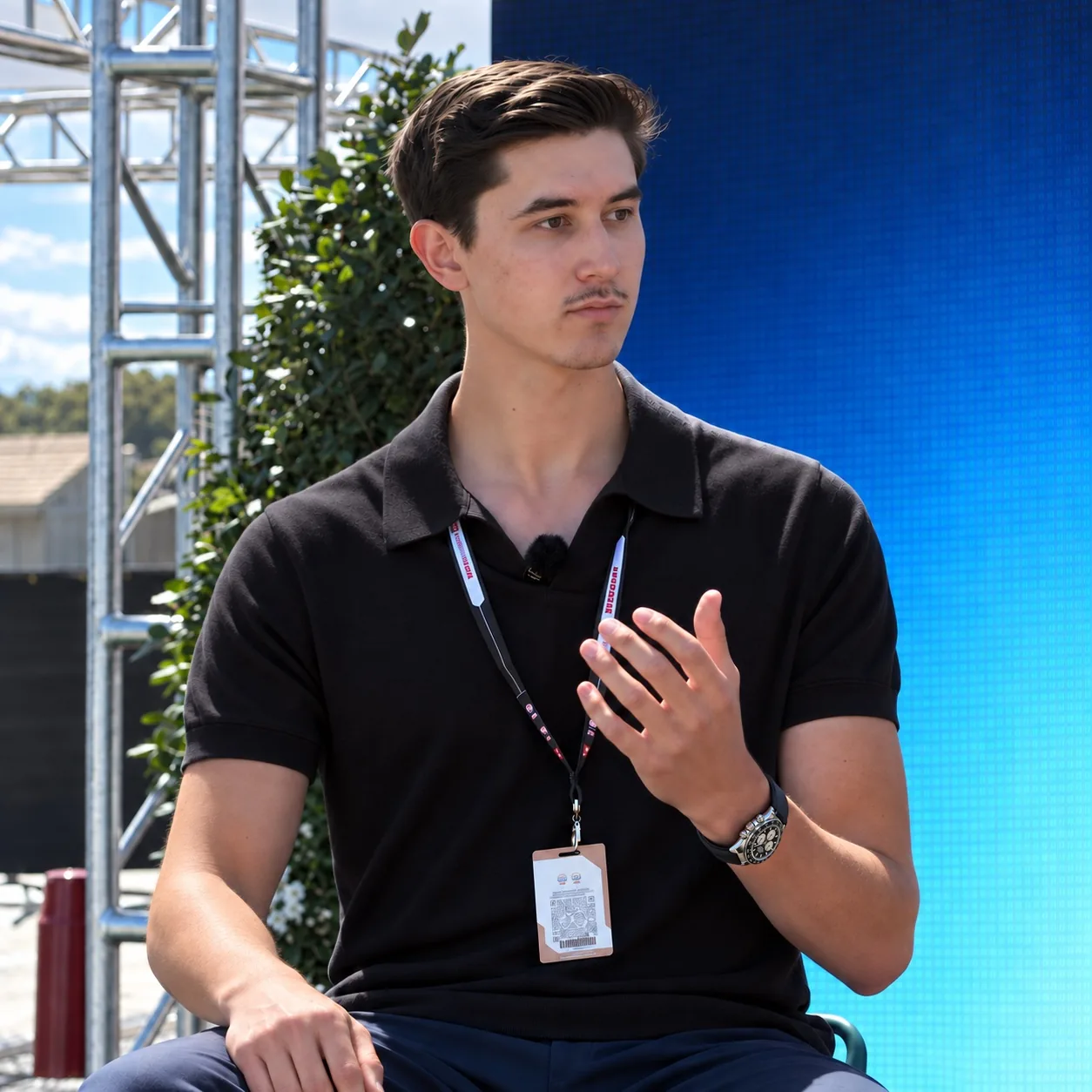
You have time to record before leaving the circuit. Your editor is elsewhere. Discovering later that the engine drowned out your explanation costs more than a few minutes: the moment may have passed and the location may be unavailable.
Before recording the full piece, make a short test in the exact position you intend to use. Play it back with sound. Check that your voice is clear, your face is visible and the frame contains what you need to show. A usable recording starts with those checks, not an expensive camera.
Choose the place for your voice first
A garage can look right and sound wrong. Move away from running engines, loudspeakers and wind when the story depends on speech. If the location itself matters, record its atmosphere separately, then explain it somewhere quieter. An editor can combine those inputs without asking viewers to struggle through the noise.
Listen to the test instead of relying on the microphone being connected. Clothing can rub against a small microphone; a cable can come loose. If a line is interrupted, pause and repeat the whole thought. Leave both takes for the editor and identify the preferred one.
Agree the frame before the session
Ask your editor whether the piece is principally vertical or horizontal and what space is needed for captions. Put the phone on a stable surface or mount, keep it near eye level for a direct explanation and avoid placing essential details at the very edge. Check the actual recording, not only your reflection in the preview.
Recording options vary by device. Apple explains how to change available resolution and frame-rate settings in its iPhone recording guide. Agree a setting the editor can handle; choosing the largest file option automatically can complicate the upload without solving a weak recording.
Record a complete thought, then the detail that illustrates it
Illustrative example: you are explaining why entering a corner differently changed your exit. Record the explanation first, then a permitted visual that makes the point understandable. A stationary demonstration or a sketch may be more useful than an unrelated fast lap. Do not film while driving or step into an active working area for a shot.
Leave a brief pause before and after speaking. Keep the recording running through a natural ending rather than reaching for the phone during the final word. If you make a factual correction, say which statement replaces the earlier one.
Send the originals and a useful note
Upload the original recordings through the agreed folder, with a note identifying the subject, preferred take and any restriction on showing a person or detail. Keep a copy until the editor confirms the files are usable. Avoid baking captions, music or filters into the only version you send.
This handles recording quality. Use the race-week recording brief to decide which story to collect. If you want scripts and editing managed around your recordings, explore Partner.